 TOPVIEW T1
Topview T1
Visual references · not generated outputs
 Landscape
Set the scene. Find the feeling.
Visual references · not generated outputs
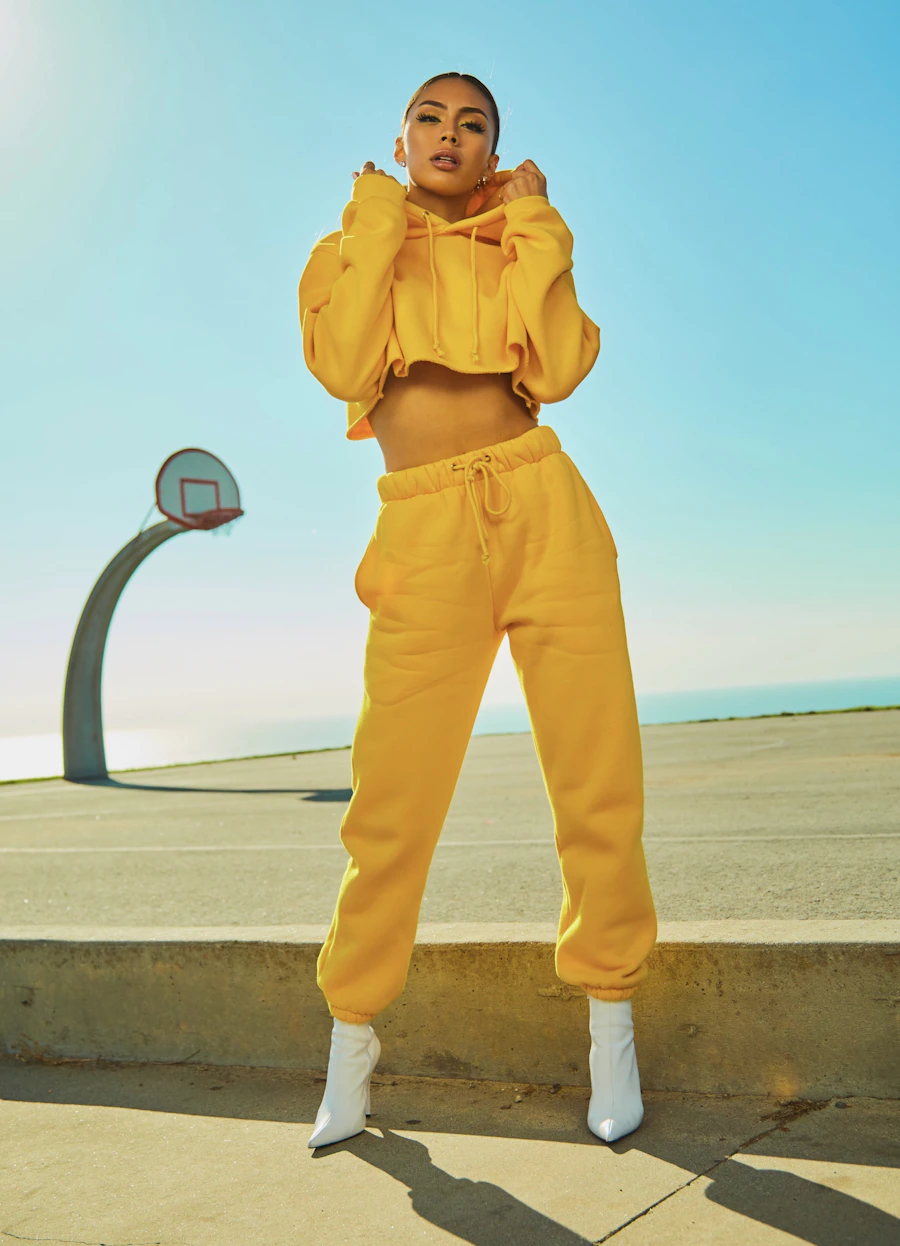 People
Leave room for another take.
Visual references · not generated outputs
 Landscape
Set the scene. Find the feeling.
Visual references · not generated outputs
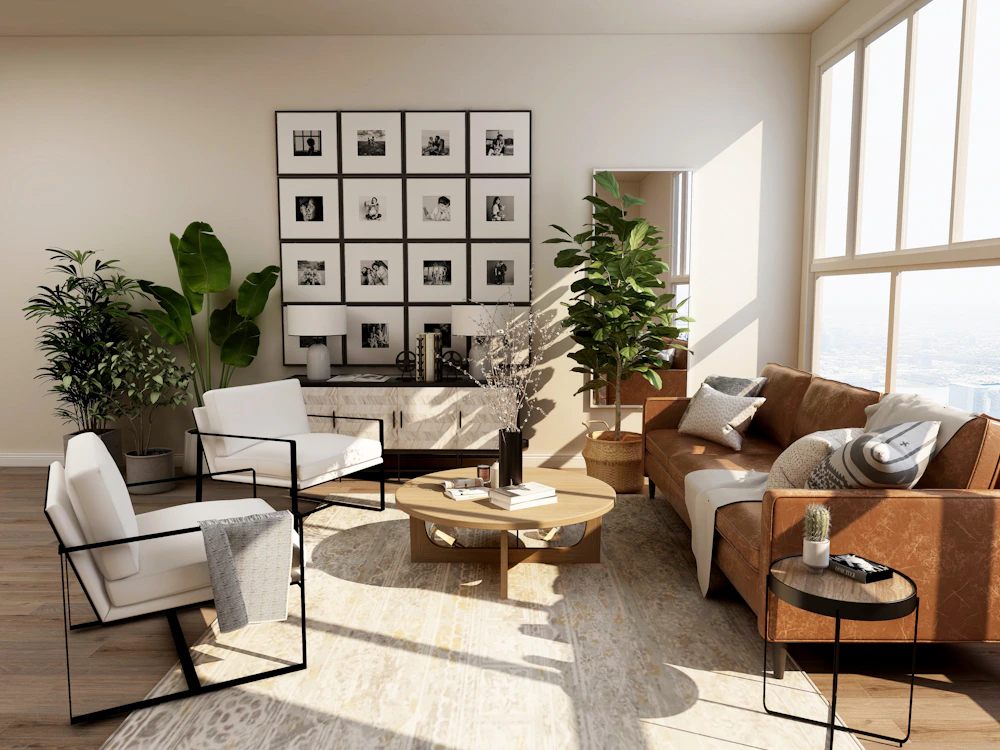 Product
Make the product the story.
Visual references · not generated outputs
TOPVIEW T1 — AI video model
Explore TOPVIEW T1 for product stories, music videos and cinematic scenes. Discover the model, plan your shots and prepare a prompt in the studio.
What is Topview T1?
TOPVIEW T1 is Topview’s AI video model. Its official workspace offers text-to-video, image-to-video and reference-based creation, with 720p or 1080p output and clips from 4 to 30 seconds.
T1 generation is coming soon here. You can edit a prompt and save a draft on this device. T1 submissions and credit charges are disabled until access opens.
Product videos
A bottle on a sunlit counter. A trainer landing on wet pavement. Plan a short product story around one visible benefit, then vary the setting, lighting or camera movement. Keep packaging details in your brief rather than relying on a vague “premium” look.
Music videos
Build the visual idea around a performance, a mood or a recurring image. Describe the gesture and camera movement for each shot. Plan separate shots for a chorus and a quieter verse so the sequence has contrast before you begin editing.
Cinematic stories
Start with a character who wants something and a visible action that moves the scene forward. A glance, a door opening or a change in weather can give a short clip a beginning and an end. Use references to develop a consistent visual direction.
Creative directions
01 / Creative brief
TOPVIEW T1 / Your next take
Cinematic briefs. A new point of view.
Turn your idea into a scene brief, then explore another direction.
Continue in studio02 / Visual toolkit
From a thought to a shot.
Start with a scene, choose a direction, and refine the details.
03 / Reference gallery
One idea. More directions.
Set the scene. Find the feeling.
Leave room for another take.
Set the scene. Find the feeling.
Make the product the story.
Leave room for another take.
Visual references · not generated outputs
A few things to know.
04 / FAQWhat is Topview T1?+
TOPVIEW T1 is Topview’s AI video model. Its official workspace offers text-to-video, image-to-video and reference-based creation, with 720p or 1080p output and clips from 4 to 30 seconds.
Can I generate videos now?+
T1 generation is coming soon here. You can edit a prompt and save a draft on this device. T1 submissions and credit charges are disabled until access opens.
Is this the official Topview website?+
This is an independent website. Topview and Topview T1 are names belonging to their respective owners. Official product announcements are linked below.